
The whole site, at a glance.
See how pages connect, so the structure makes sense before the work begins.
Turn a website into a visual sitemap you can explore.
Understand the structure. Find the gaps. Plan what’s next.
Trial signup is being updated. Explore the workspace preview for now.
See how pages connect, so the structure makes sense before the work begins.
Explore visual previews, search paths and titles, and find the pages that need attention.
Take the guesswork out of audits, content reviews, and your next website redesign.
The visual sitemap
Go from a long list of URLs to a clear, connected view. Follow a branch, inspect a page, or zoom out to see how it all fits together.
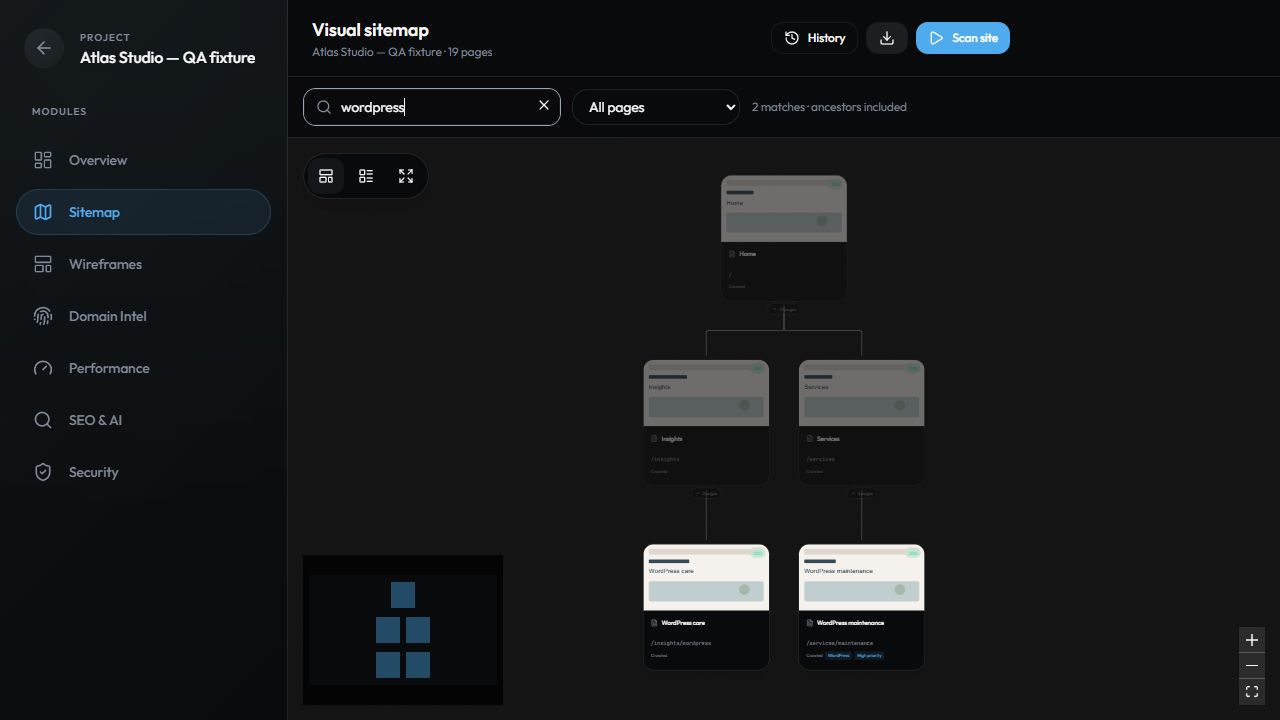
Create a project, add the website address, and choose the checks you want to run.
Discover pages and preview the site’s structure as your crawl brings the map together.
Explore the findings, export a client brief, or turn the sitemap into a redesign plan.
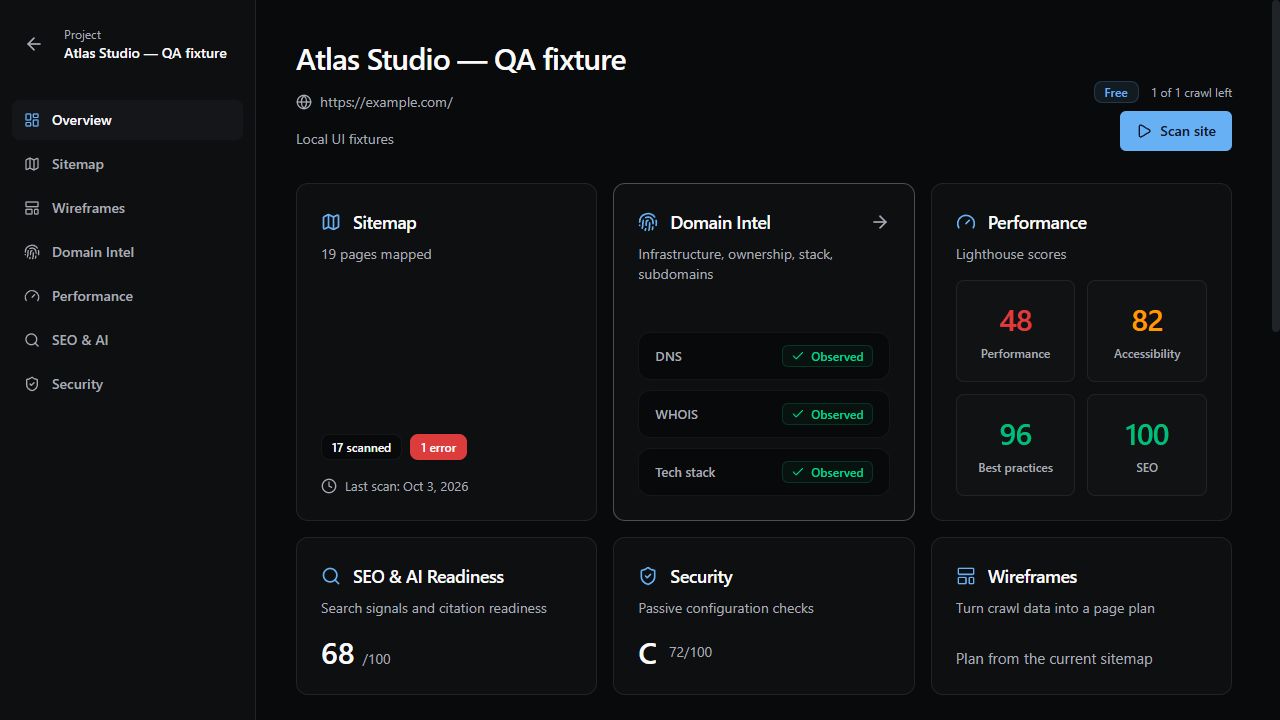
Site intelligence
A sitemap tells you what’s there. Site intelligence helps you understand what to do with it.
A plan for your next project
More depth. More teammates. Shared scan credits.
Find the right fit for the way you work.
$0 / 14 days
$9.99 / month
$59 / month
$199 / month
Save two months with annual billing.
Credits are shared across your workspace.
Your 14-day trial starts with the first accepted scan. It is for 1 user only—the owner—with no teammate invitations. Multiple scans share 120 total credits across up to 5 projects. No automatic paid subscription. Trial credits do not refill or reset when you create or delete a project. Frequency and other operating limits apply.
Trial signup is being updated. Explore the workspace preview for now.
A visual sitemap shows a website’s pages and the relationships between them. IntelCrawl adds page previews to that structure, so you can see both how a site is organized and what its pages look like.
Add a public website URL to a project and start a scan. IntelCrawl discovers pages through site links and XML sitemaps, captures page previews when available, and organizes the results into an interactive map. Trial scans attempt up to 25 pages at internal-link depth 2; paid scans attempt up to 100 pages per run. Site restrictions and operating limits can affect coverage.
Your 14-day trial starts with your first accepted scan. It is for 1 user only—the owner—with no teammate invitations. Up to 5 projects share 120 scan credits total. Multiple scans are allowed while credits remain, subject to frequency and other operating limits. Each scan is capped at 25 attempted pages and internal-link depth 2. No credit card is required, and the trial does not create an automatic paid subscription. No. The trial has one 120-credit pool for the whole workspace. Credits do not refill during the trial, and creating or deleting projects does not reset them. Saved maps, findings, briefs, and exports from saved data do not consume scan credits.
Yes. Move page cards, switch between horizontal and vertical layouts, collapse branches, and edit page details and tags. You can also search titles, paths, and tags, or filter for pages with issues and archived pages.
Yes. Copy your sitemap into a separate planning wireframe, then add, reorder, and organize pages for your proposed structure. Your planning edits stay separate from the crawled sitemap.
Export your sitemap as a CSV for a content inventory, or generate a prioritized client brief in Markdown using the available site intelligence. Crawl snapshots also let you compare added, removed, and modified pages between scans.
Optional checks cover domain and DNS information, technology detection, Lighthouse performance, root-page SEO and AI readiness, and passive security configuration. Results include evidence and observation times where available, so you can understand what each finding is based on.
14 days from your first accepted scan. No credit card required. No automatic paid subscription.
Get started free